· By Denis Suciu
PocketPhantom charts, made by TradingView
The charts in PocketPhantom come from TradingView. What that means for you today, and what is coming next.
PocketPhantom is a general AI assistant. You ask it questions, work through documents with it and plan with it. Trading is one optional part of it, for people who trade. If you never pick it, you will not see it.
If you do trade, the chart is what you look at most, so it has to be a good one. That is why the charts in PocketPhantom come from TradingView, their creator. Many traders already know them, and we would rather give you the tool you know than make you learn a new one.
What you can do today
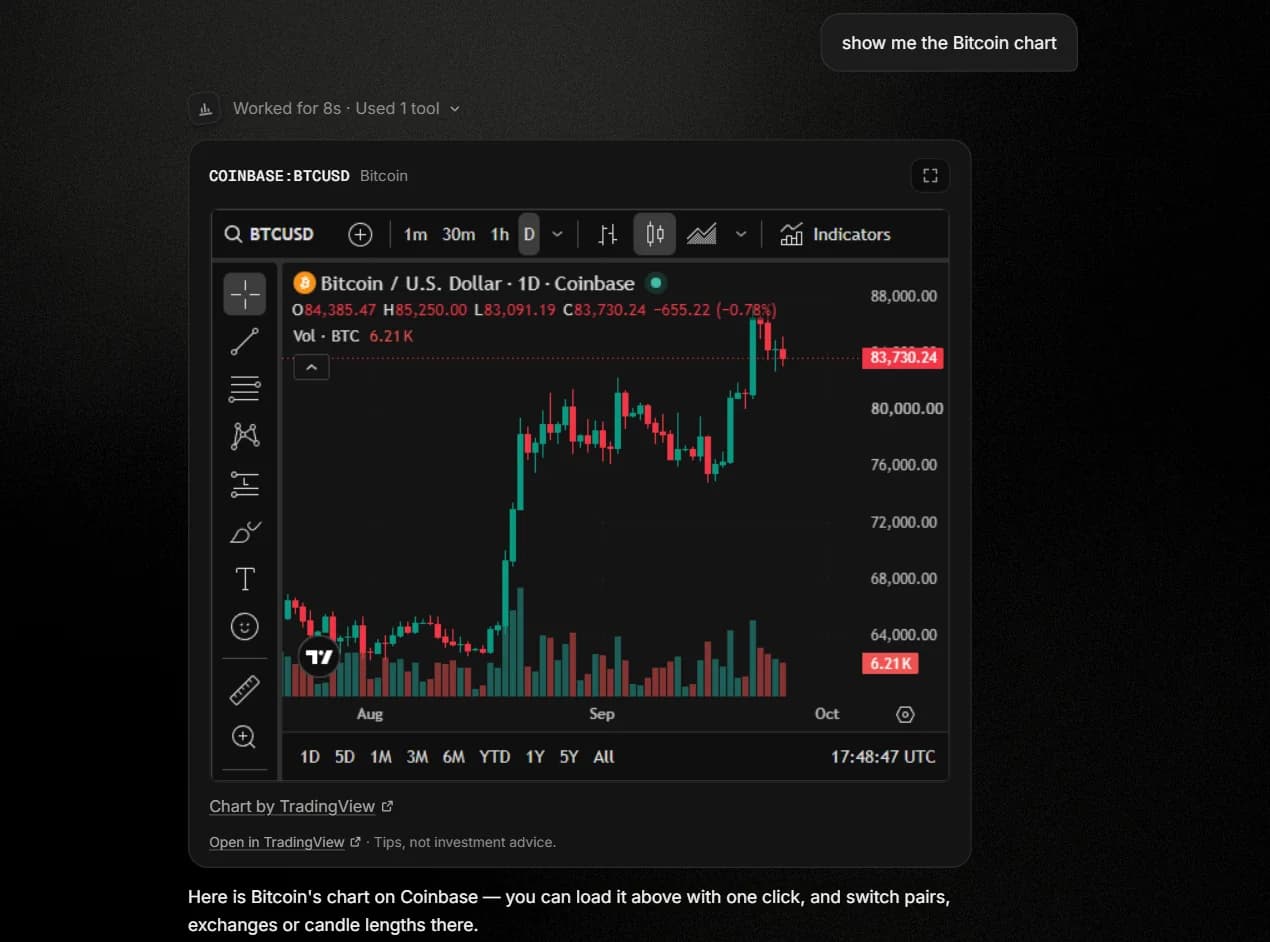
- Ask for a chart in the chat, in plain words: “show me the Bitcoin chart”. Press Show TradingView chart, and it opens right in the chat.
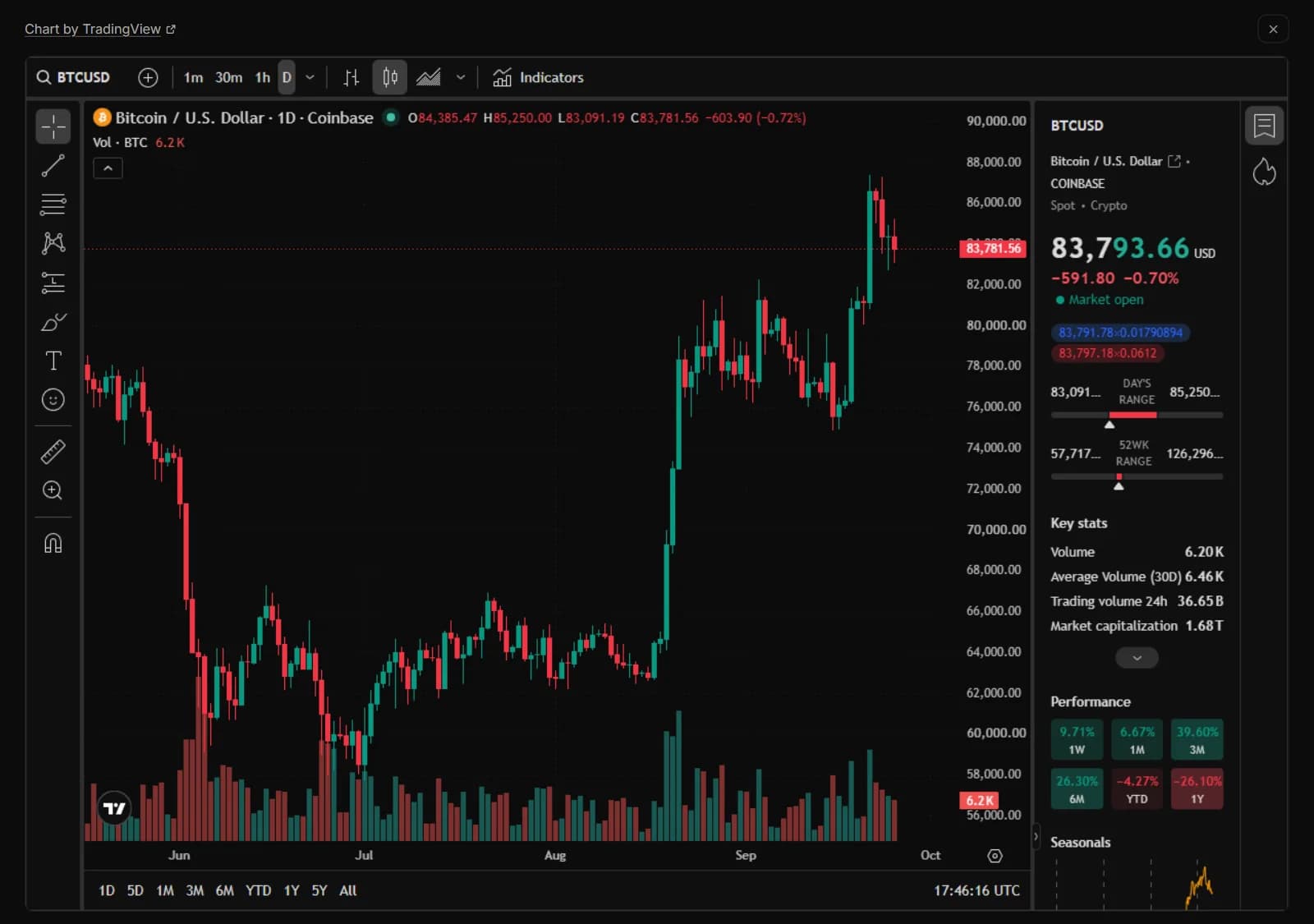
- Pick any pair and exchange in TradingView's own symbol search, and use its drawing tools and indicators.
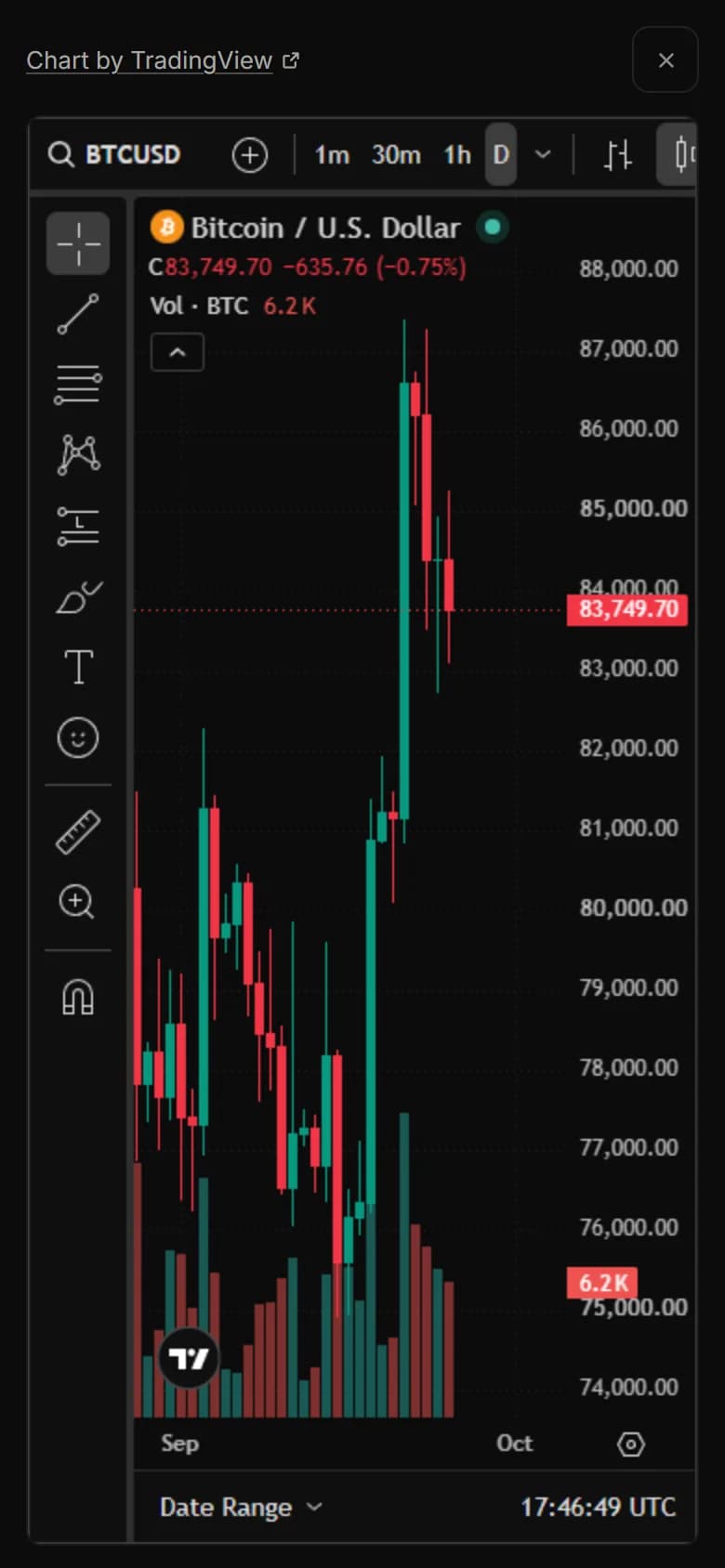
- Open the chart in full screen when you want room to work, on your phone too.
What is coming
Next, we are bringing TradingView's Advanced Charts library into PocketPhantom. With it, the assistant will draw straight onto a TradingView chart: support and resistance, your own stop and target, and trend lines. It is not live yet. We will write here when it is.
Tips, never advice
PocketPhantom gives tips, never investment advice: no predictions, no buy or sell calls. The decisions stay yours.
Thank you to the TradingView team for making this possible.